> ## Documentation Index
> Fetch the complete documentation index at: https://docs-v1.latitude.so/llms.txt
> Use this file to discover all available pages before exploring further.
# Logs
> Learn how to use the logs page to monitor your prompts and evaluate their performance.
## Overview
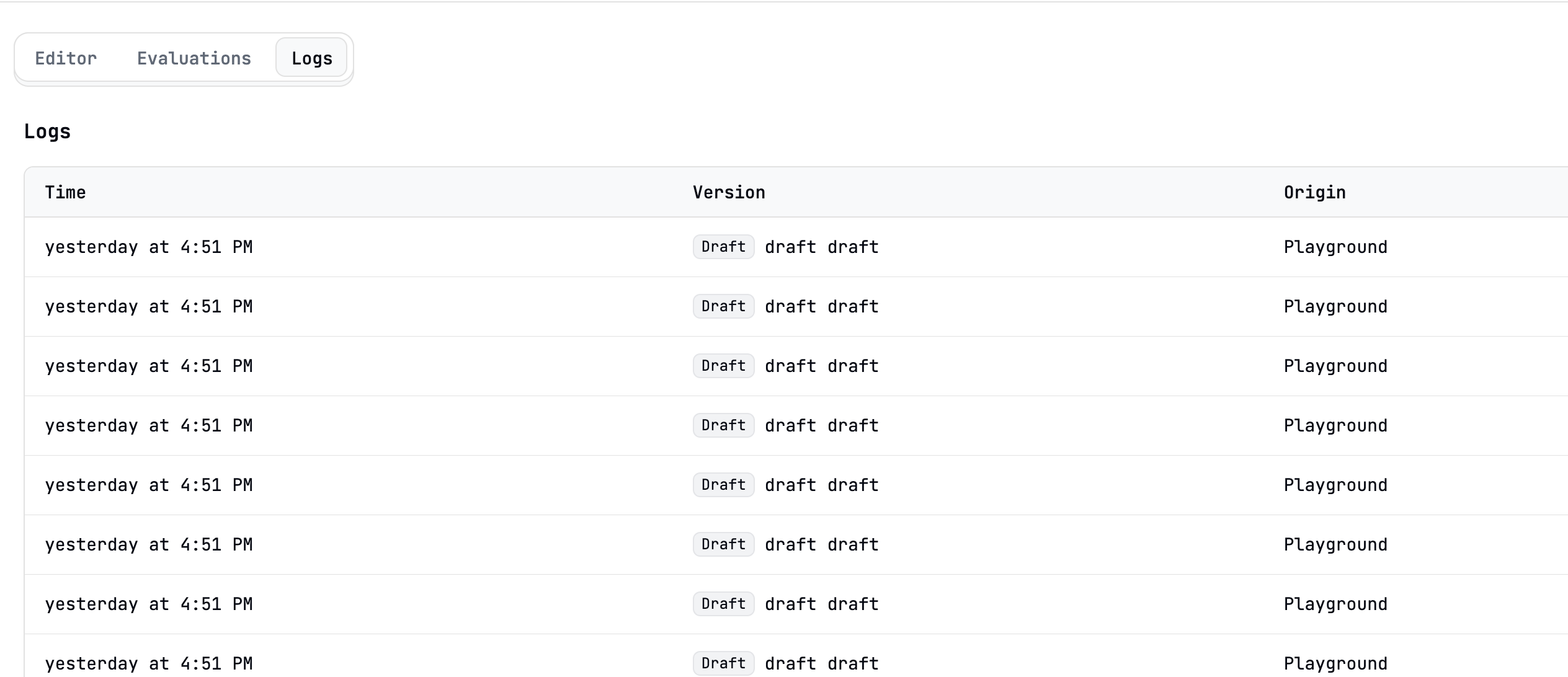
Latitude stores all the logs generated by your prompts in a database. You can use the logs page to monitor your prompts and evaluate their performance.
## How it works
Every time you run a prompt, from the API or from the UI, a new log is created.
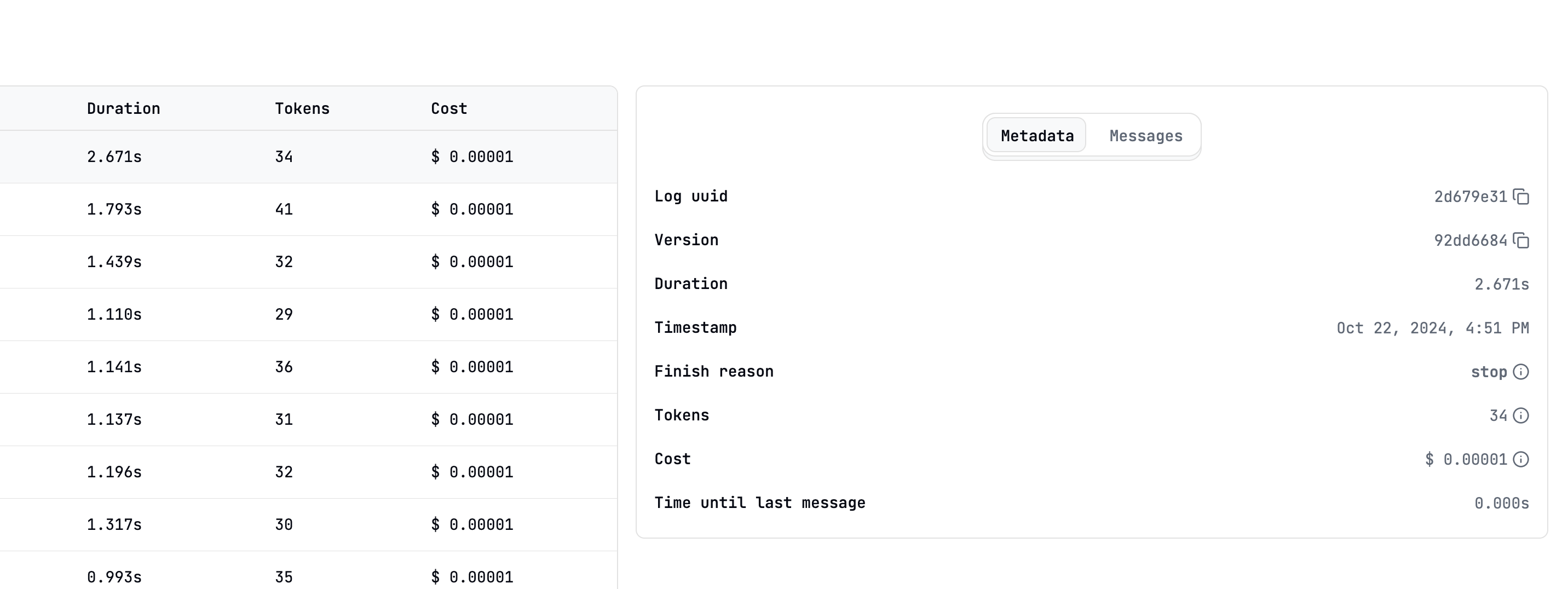
 Clicking on a log will display a side panel with the full details of the log.
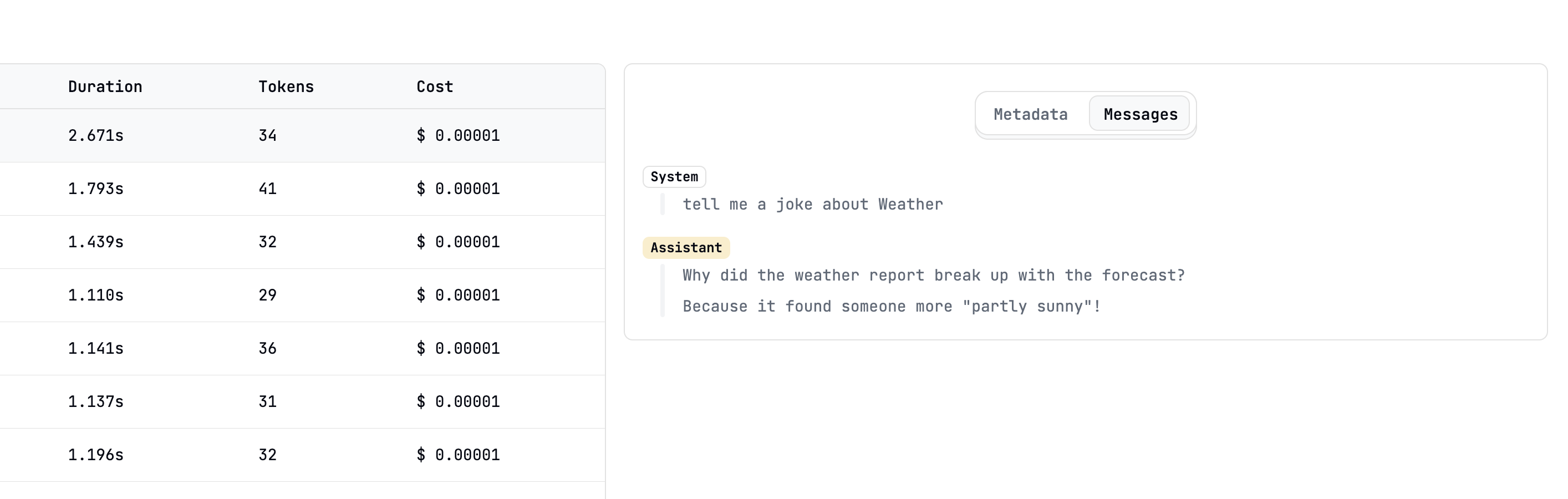
 The log also contains a transcript of the full prompt run and subsequent messages.
 ## Creating logs for evaluations
You can also create logs for evaluation purposes without actually running the prompt. This is useful when you want to run evaluations on a large number of inputs.
For a detailed guide on running evaluations in batches, refer to the [Running Evaluations](/guides/evaluations/running-evaluations#running-evaluations-in-batch-mode) guide.
## Creating logs for evaluations
You can also create logs for evaluation purposes without actually running the prompt. This is useful when you want to run evaluations on a large number of inputs.
For a detailed guide on running evaluations in batches, refer to the [Running Evaluations](/guides/evaluations/running-evaluations#running-evaluations-in-batch-mode) guide.