

Sub-Agents & Agentic Structures in Latitude
What Are Agents and Sub-Agents?
Agent: APromptL prompt with type: agent that can plan, act, and iterate autonomously, calling tools or other agents as needed.
Sub-Agent: Any agent that is exposed as a callable function/tool within another agent, allowing for modular, reusable, and composable workflows.
When to Use Agents vs. Step Chains
If you find yourself writing lots of conditional logic in a chain, consider switching to an agentic approach.
Defining an Agent in PromptL
To turn any prompt into an agent, add the following to your configuration header:type: agentenables agentic mode.tools:lists external tools the agent can call.maxSteps:(optional) limits the number of agent cycles.
Exposing Sub-Agents
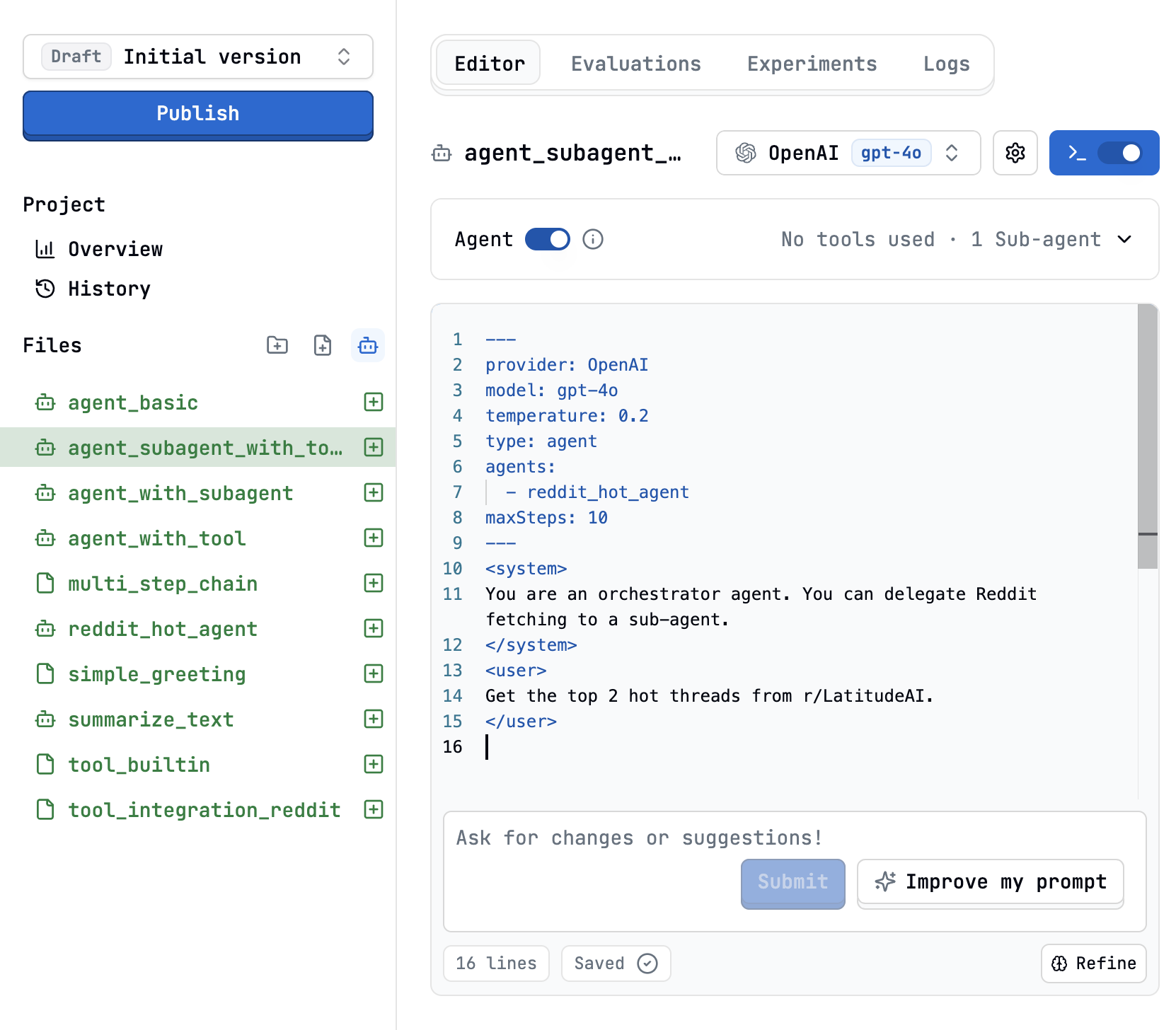
You can expose other PromptL agent files as callable sub-agents using theagents: configuration key:
Sub-Agent Design Patterns
1. Single-Responsibility Helpers
Keep sub-agents focused. Example: a summarizer agent that only summarizes text.It is essential that you include parameters in subagents so that the main agent can send them information.
2. Specialist Pool
A generalist agent can delegate to a pool of specialists:3. Sequential Orchestration
For strict order, use<step> blocks and specify which agent to call:
Agent Loop & Execution
On each cycle, the agent can return:- Tool calls only: Latitude executes the tools, appends results, and continues.
- Text + tool calls: Treated as internal thinking; tools are run.
- Text only: The loop ends; this is the agent’s final answer.
maxSteps is reached.
Best Practices
- Single Responsibility: Each sub-agent should do one thing well.
- Clear I/O: Use
schemato define expected outputs for each agent. - Resource Awareness: Each sub-agent call counts toward the parent’s
maxSteps. - Testing: Use the Playground to debug and trace agent/sub-agent interactions.
Example: Multi-Agent Researcher
Main Agent Configuration
Main Agent Prompt
Sub-Agents
agents/web_search: Searches the web for relevant articles.agents/summarizer: Summarizes article content.agents/citation_checker: Verifies the credibility of sources.
Debugging & Tracing
- Use the Latitude Playground to step through agent execution.
- Inspect each sub-agent’s output and reasoning.
- Adjust schemas and instructions for clarity and reliability.
Further Reading
Examples
To see how agents and subagents work in context you are welcome to check out the following example agents:- Example 1: Deep Search Agent
- Example 2: Customer Support Email Generator